
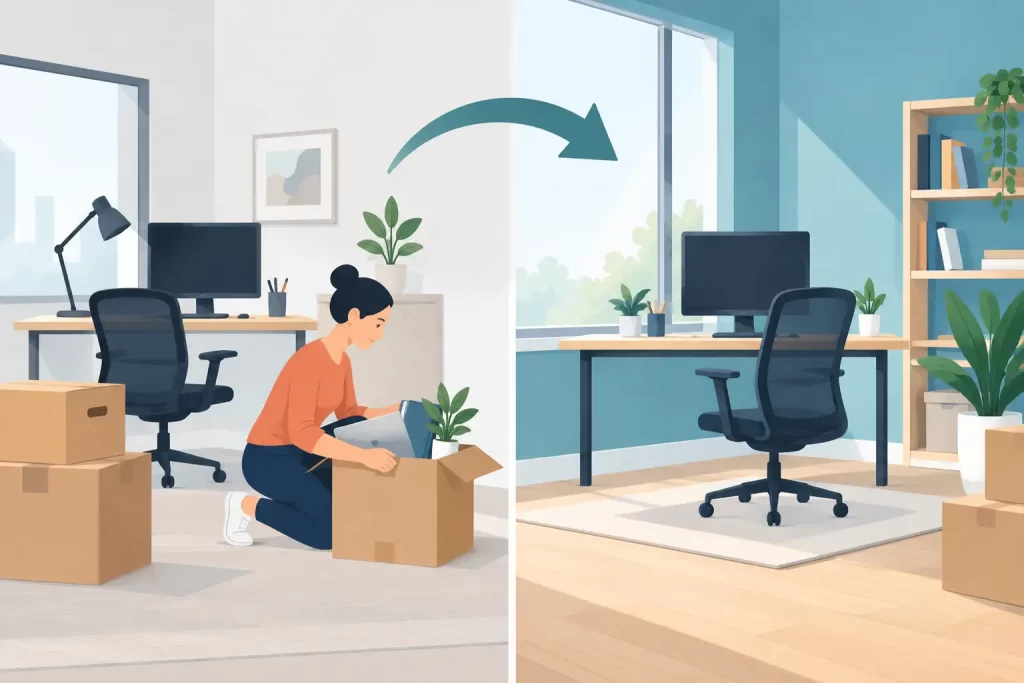
A home office move can affect far more than a desk and chair. Your computer, files, internet connection and work routine all need to be ready at the other end. When you relocate home office equipment with a clear plan, you can avoid lost documents, damaged technology and days spent working from the kitchen bench.
Whether you are moving house, shifting to a larger workspace or combining a home office with a small business setup, the aim is simple: pack carefully, move efficiently and get back to work quickly.
Plan your home office relocation around your work
Before packing a single box, look at your calendar. Identify meetings, deadlines, client calls and any periods when you need access to particular files or equipment. The best moving date is not always the first available date. It is the date that creates the least disruption to your income and customers.
If possible, allow a buffer of one or two working days around the move. This gives you time to pack, deal with unexpected delays and set up properly in the new space. If you work remotely for an employer, let your manager and team know your moving schedule early. If you run a business, update clients where needed and set an out-of-office message if you expect to be unavailable for part of the day.
It also helps to decide what must travel with you rather than in the removals truck. A laptop, mobile, charger, external drive, key documents and a notebook should stay in a clearly labelled work bag. That way, you can respond to an urgent email or access essential information even before the office is unpacked.
Take stock before you pack
Home offices collect more gear than most people expect. There may be old cables, spare monitors, folders, stationery, printers, cameras, stock or archived paperwork tucked away in drawers. Moving is a good chance to clear out items that no longer earn their place.
Sort your office into four groups: essential equipment, documents, supplies and items to discard or donate. Be realistic about what you use. A broken printer, outdated brochures and a tangle of unidentified cords only make packing harder and add unnecessary volume to the move.
For paper records, keep anything confidential separate from general office supplies. Shred documents you no longer need rather than placing them in household rubbish. For files you must retain, use strong archive boxes and label them by category rather than simply writing “office”. Labels such as “tax records”, “client files” or “printer supplies” make unpacking faster and reduce the risk of sensitive paperwork being misplaced.
Back up files before moving computers
Do not rely on one device holding everything. Before disconnecting computers, back up important files to secure cloud storage, an external drive or both. Check that the backup has completed and that you can open the files from another device.
This step matters even if your equipment is being handled carefully. A move can expose an existing hardware problem, and a laptop or desktop may take longer to reconnect than expected. A current backup protects your work while you sort out the physical setup.
Take photos of cable connections at the back of desktop computers, monitors, printers and docking stations. A quick photo can save an hour of trial and error when you are reconnecting power, screens and accessories in the new office.
Pack technology for safe transport
Technology needs more protection than standard household items. Original boxes are ideal for monitors, desktops and printers because they are designed to support each item properly. If you no longer have them, use sturdy cartons, quality packing materials and enough cushioning to prevent movement inside the box.
Wrap monitors individually and keep screens upright during transport where possible. Avoid placing heavy boxes on top of them. Remove printer cartridges if recommended by the manufacturer, as ink can leak during handling. Secure moving parts, such as scanner lids and paper trays, with tape that will not leave residue.
Cables should be bundled by device, labelled and placed in separate zip bags or small cartons. Write the matching device name on each bag. This is much easier than unpacking a large box full of leads and trying to work out which power cable belongs to which screen.
Do not overload boxes with books, paper files or stationery. These items become heavy quickly. Smaller cartons are safer to lift and less likely to split. If your office includes valuable cameras, specialist equipment or stock, tell your removalist in advance so the team can plan suitable handling and loading.
Measure the new office before moving day
A desk that fit neatly in one room may not suit the new layout. Measure the new office, including doorways, hallways and stair access, before moving day. Check where power points, phone outlets and internet equipment are located. This helps you decide where the desk, monitor arms, printer and storage will go before the truck arrives.
Think about how you actually work, not just how the room looks. Position screens to reduce glare, leave room for a chair to move freely and keep frequently used items within reach. If you take video calls, choose a spot with a tidy background and reliable lighting. If you receive clients or deliveries from home, consider access, privacy and noise as well.
For a move within Nowra, Wollongong or nearby areas, access details are especially useful to confirm ahead of time. Let the moving team know about steep driveways, narrow stairs, apartment lifts, difficult parking or long carries from the truck. Clear information helps the job run on time and lets the team bring the right equipment.
Arrange internet and utilities early
A perfect desk setup is not much use without a working internet connection. Contact your provider well before the move to arrange transfer, installation or activation at the new address. Availability can vary between suburbs and properties, so do not assume the service can be switched on immediately.
Ask whether you need a new modem, a technician appointment or a temporary mobile data solution. If you rely on video meetings, large file transfers or cloud-based systems, test the connection as soon as it is active. It is better to find a weak signal or setup issue before a busy workday.
Also check power outlets, lighting and mobile reception in the room you plan to use. A power board with surge protection may be helpful, but it should never be overloaded. Keep cords tidy and away from walkways, especially if children, pets or visitors will be around the office.
Set up the essentials first
After the move, resist the urge to unpack every stationery drawer before your core workspace is operating. Start with the desk, chair, computer, monitor, internet equipment and the files you need immediately. Once you can work comfortably, unpack storage, décor and lower-priority supplies.
Test each device as you reconnect it. Check that the keyboard, mouse, webcam, printer, speakers and external drives are working. Open your main work programs, log in to the systems you use and make a test call if your role depends on video or phone meetings. This approach catches small problems before they become a frustrating first morning in the new office.
A professional removal service can make the physical side of the move far easier, particularly when there are heavy desks, multiple screens, filing cabinets or fragile equipment involved. Mr Muscle Removals can assist with careful packing, transport and placement so you can focus on getting your work setup back where it belongs.
Give yourself permission to refine the room over the first week. Once you have worked in the space for a few days, you will know whether the desk needs turning, storage needs moving or lighting needs adjusting. A well-planned office does not just look organised – it gives you a calmer, more productive place to get on with the job.